PreferenceCCjust nowForget
User prefers pnpm over npm in JavaScript projects.
EARLY ACCESS · macOS 14+ · APPLE SILICON
pline is a calm, native Mac browser built on Chromium. Your coding agent sits beside your tabs, runs on its own login, and does its work where you can see it.
What the replay shows, step by step:
For macOS 14 or later on Apple silicon. No account needed.
You already chose an agent. Keep it. A new AI browser usually means a new account, a new model and a new place your prompts go. pline ships no model at all. It runs Claude Code, the agent you already have, today, on your own login. Codex, Gemini CLI, Goose and Factory Droid connect from Settings and come next, and each Space keeps its own agent.
And you should see what it does. When the agent works on a tab, pline rings that tab in amber, names the agent, counts its steps and keeps Stop one click away. The tabs it opens wait in their own group until the task ends, and Take over hands any of them back to you.
Each Space keeps its own tabs and its own colour, and the window shifts with it when you press ⌃1 (Control-1) to ⌃9 (Control-9). Pinned tabs live in folders. Today’s tabs tidy themselves away after 12 hours, and ⇧⌘T (Shift-Command-T) brings back the last one. Quit, relaunch, and it is all where you left it.
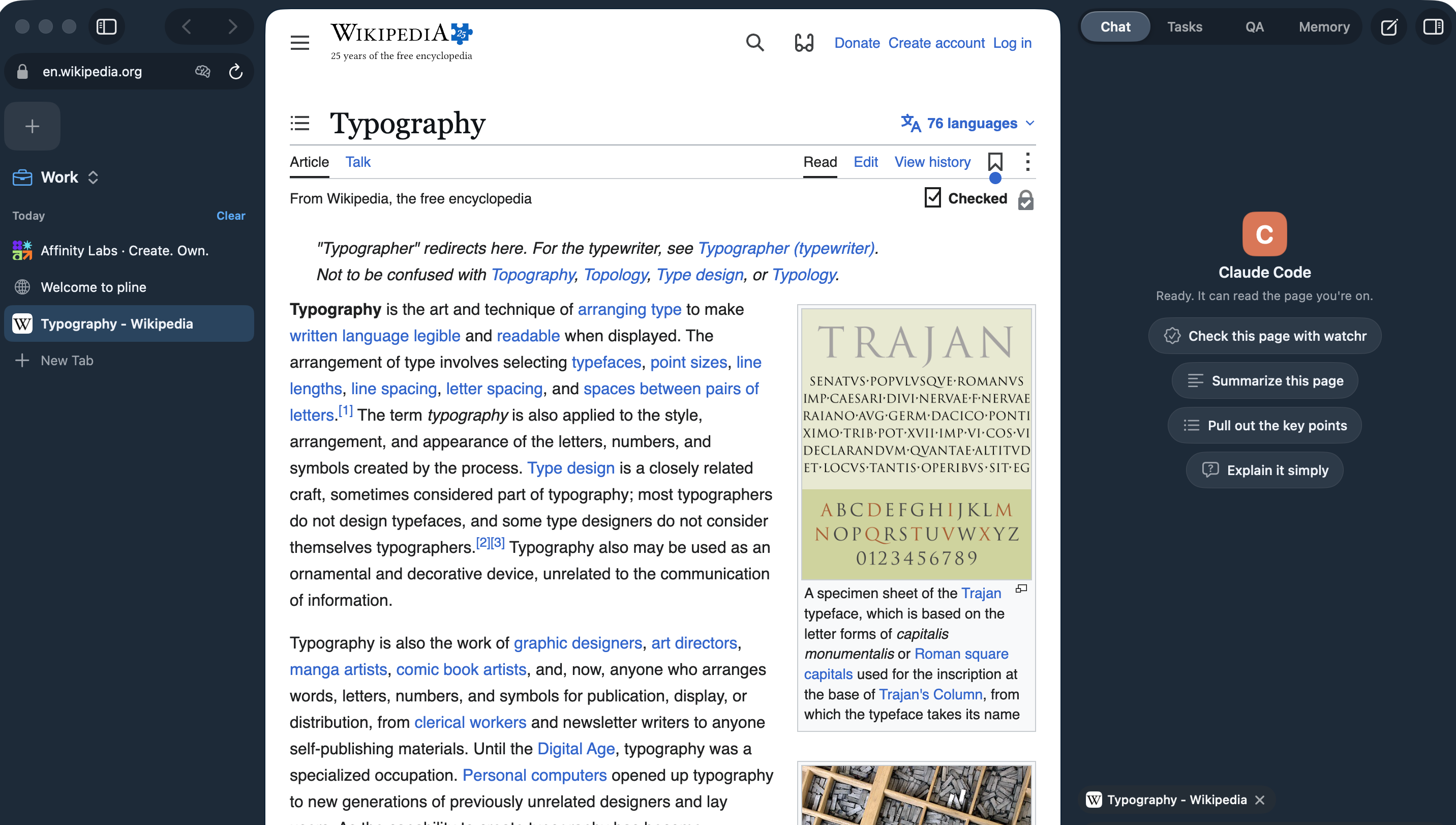
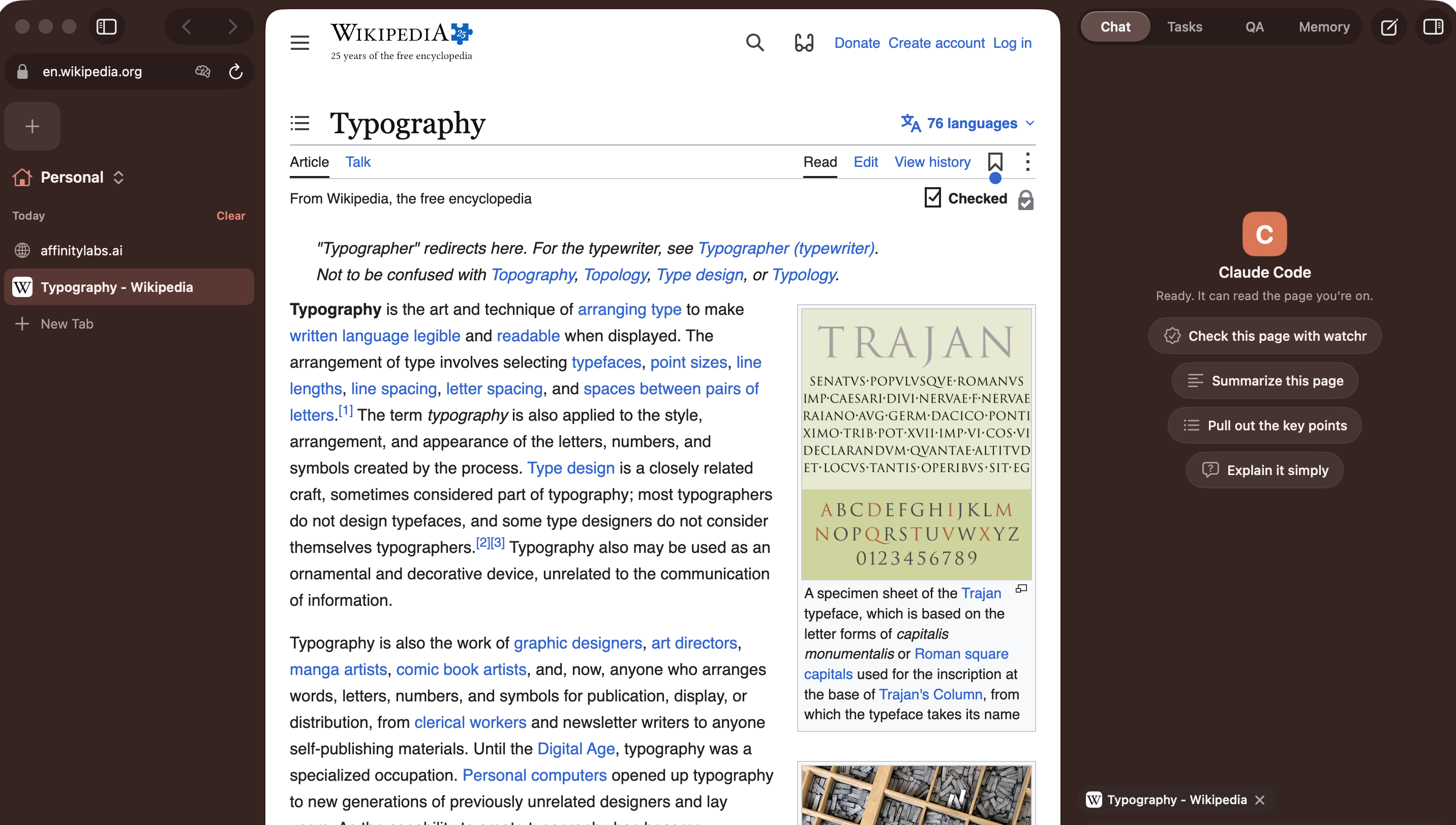
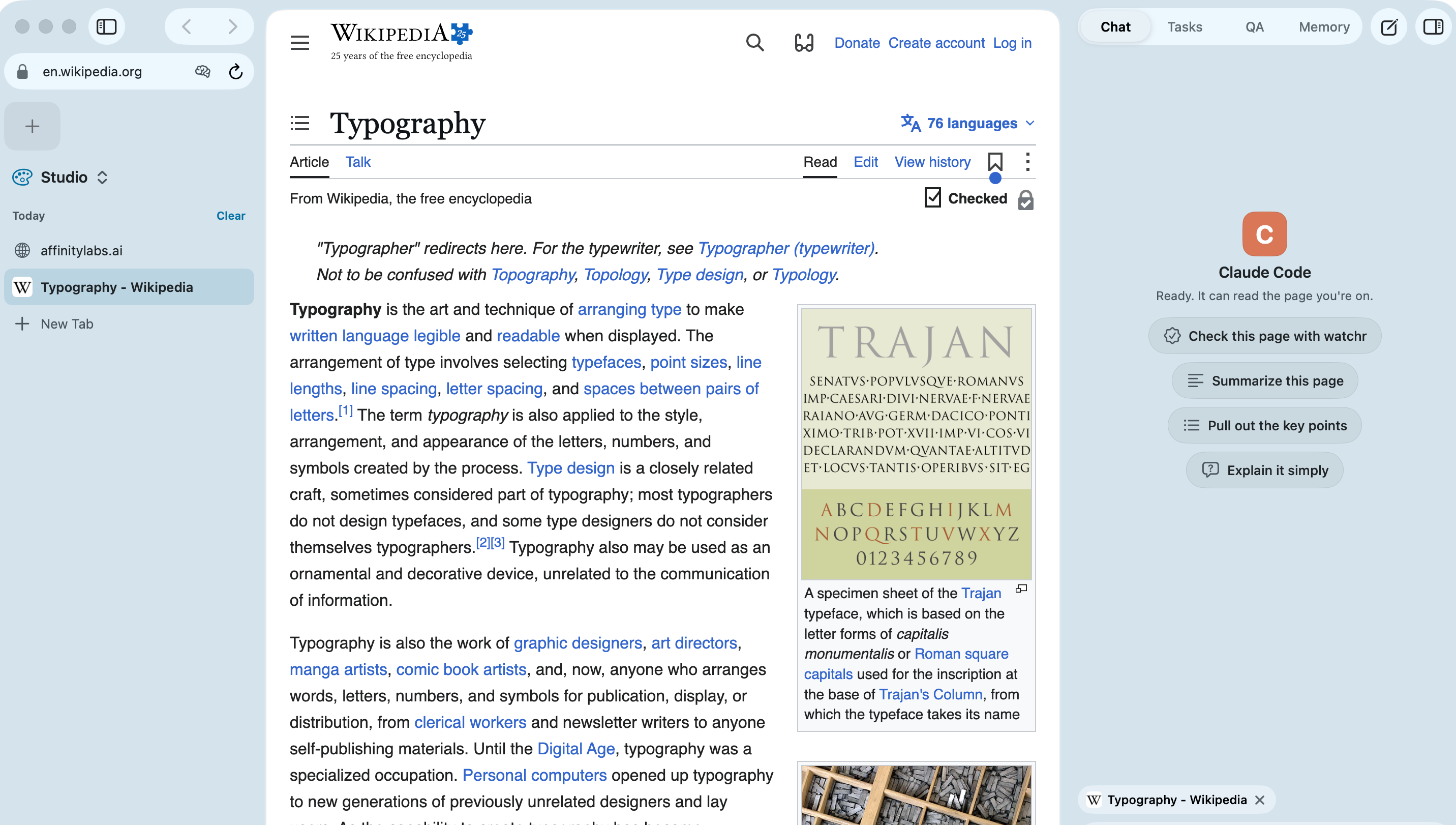
Captures of the same page in three Spaces, 3 Nov 2026.
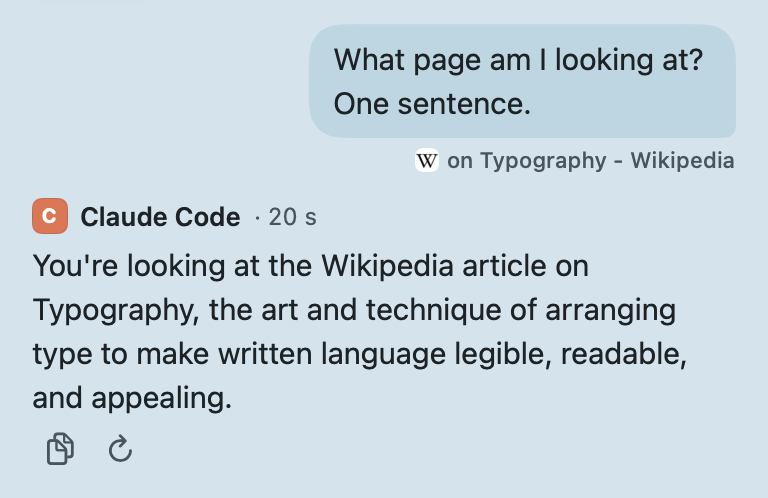
pline starts the agent you already use in the terminal and talks to it over the Agent Client Protocol. The agent answers with the login it already has. pline never asks for it, never stores it and never passes it anywhere. Open the panel with ⌥⌘P (Option-Command-P), and every message tells the agent which page and Space you are on.
Each Space keeps its own agent. Switch from the agent menu in the chat box or with ⌥⌘A (Option-Command-A), and the earlier messages stay above a “Switched to …” line, while the new agent starts fresh. The model menu lists the models your agent offers, and / (slash) brings up the agent’s own commands next to pline’s.
Tested end to end. Settings › Agents installs its ACP adapter into pline’s own folder. When claude is on your PATH the adapter runs it, so your own Claude Code login applies. This is the agent we use in pline every day.
Connects from Settings, live testing next. Settings › Agents installs its ACP adapter, opens Terminal for codex login and tests the connection. We have not run full tasks with it yet, so we are not calling it supported.
Connects from Settings, live testing next. Same status as Codex. pline uses your own gemini when it speaks ACP, and installs its own copy when it does not.
Connects from Settings, live testing next. Same status as Codex. Goose’s own installer puts it in pline’s folder, and goose configure sets up its provider.
Listed in Settings, live testing next. pline finds droid and can run Factory’s installer, which puts it in ~/.local/bin. Same status as Codex.
Agent names are trademarks of their owners. pline is not affiliated with or endorsed by them.
| Item | pline does | pline never does |
|---|---|---|
| Your agent’s login | Starts the agent so it can use the login it already has | Reads ~/.claude, ~/.codex, ~/.gemini, ~/.config/goose or ~/.factory, or sees what you type when the agent asks you to log in (that happens in Terminal, with the agent’s own login command) |
| API keys (optional) | Keeps a key you paste in the macOS Keychain and hands it only to that agent’s process | Shows it again, logs it or sends it to pline servers (there are none) |
| Your prompts | Passes them to your agent along with the page and Space you are on | Logs prompt or tool contents |
While an agent works, you can see exactly where. Stop (⌥⌘. (Option-Command-Period)) ends the run, and Take over hands the tab back to you.
The tab wears an amber ring and says “Acting”. A strip above the page names the agent, its step and how long it has run.
Tabs the agent opens are kept in their own muted group until the task ends.
When your agent asks for permission, the request reaches your screen with the agent’s own choices, even for a task in another Space.
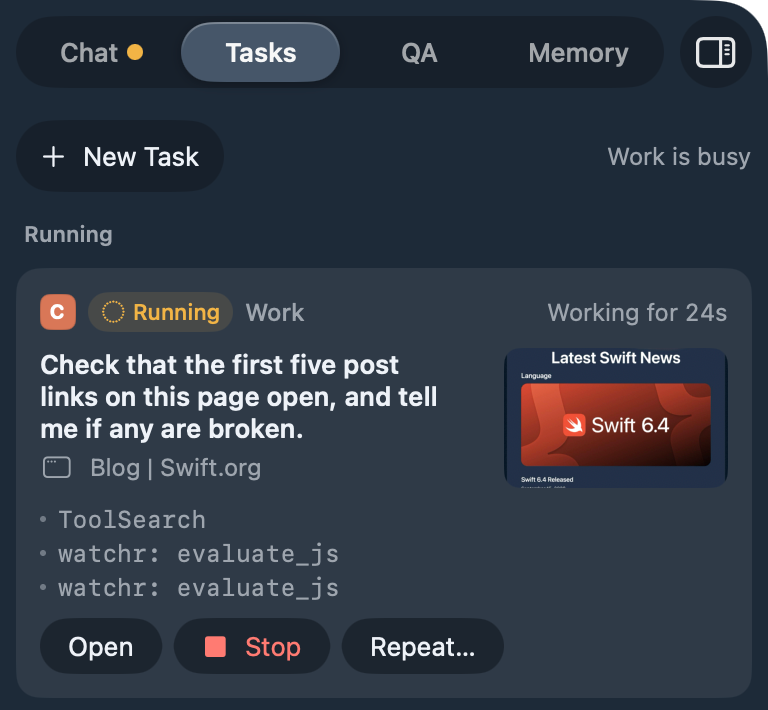
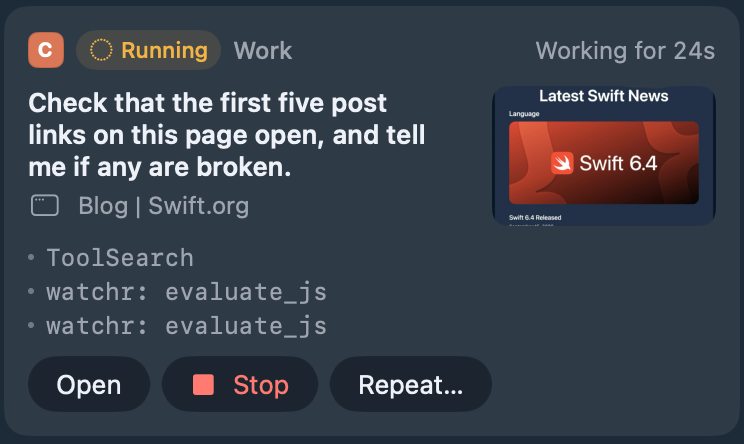
Every prompt becomes a task. Each Space runs one at a time, and different Spaces run side by side, so moving to another Space stops nothing. The Tasks tab shows what is running, for how long, its steps and a preview of the tab, with Open, Stop and Rerun. Use Repeat… to run a prompt daily, on weekdays or every few hours with your own agent.
Schedules run while pline is open. If one was missed while pline was closed, it runs once at launch, as long as it is less than 12 hours late.
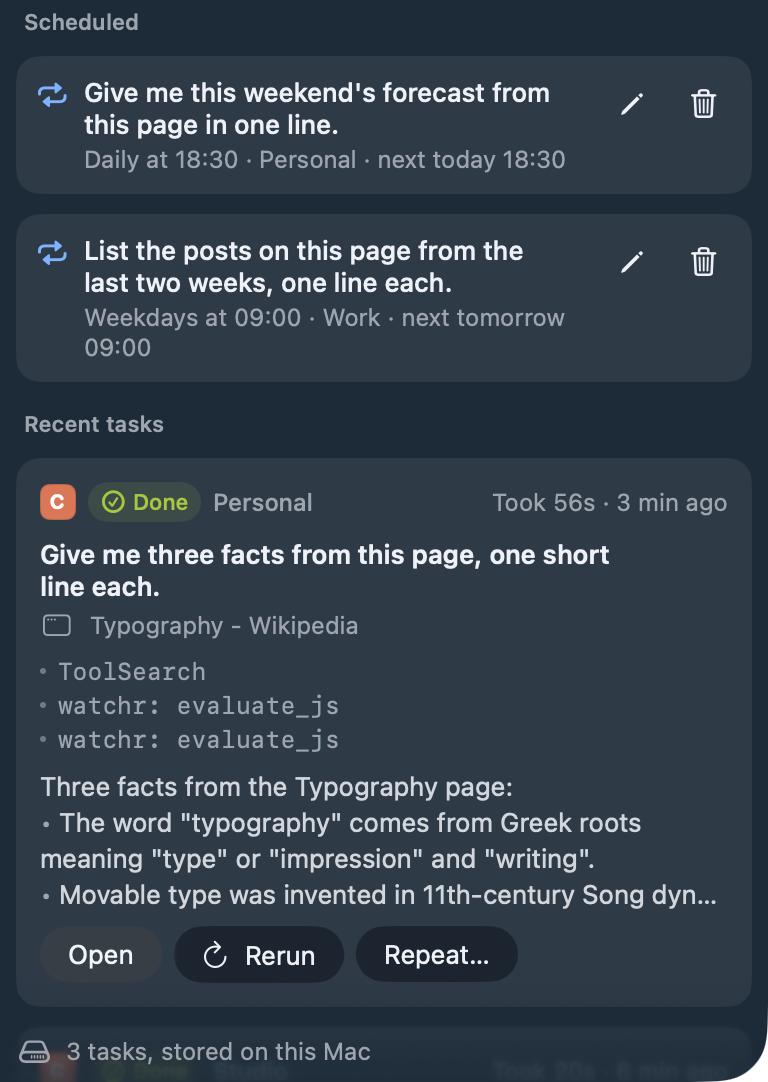
pline gives your agent a small memory for the things you would rather not repeat: preferences, facts, notes about sites. The Memory tab lists every entry and which agent wrote it, and Forget removes it (you can bring it back). You choose whether an agent saves and tells you, asks you first or cannot save at all, and you can turn memory off for any site. It turns away anything that looks like a secret, and it remembers nothing from banking, health, government ID, adult or password-manager sites, or from sign-in and checkout pages.
pline hands your agent watchr, the QA tool from Affinity Labs, and it is on by default. watchr works in the tab you are on, through pline’s local DevTools port, so your agent can click through a flow, read the console and network, and bring back screenshots as evidence. pline asks before an agent takes control of a tab, and the run strip says when it is working there.
With Claude Code, pline also switches off other browser tools for that session, so no separate browser window opens. watchr needs uv, and you can turn it off in Settings › Agents.
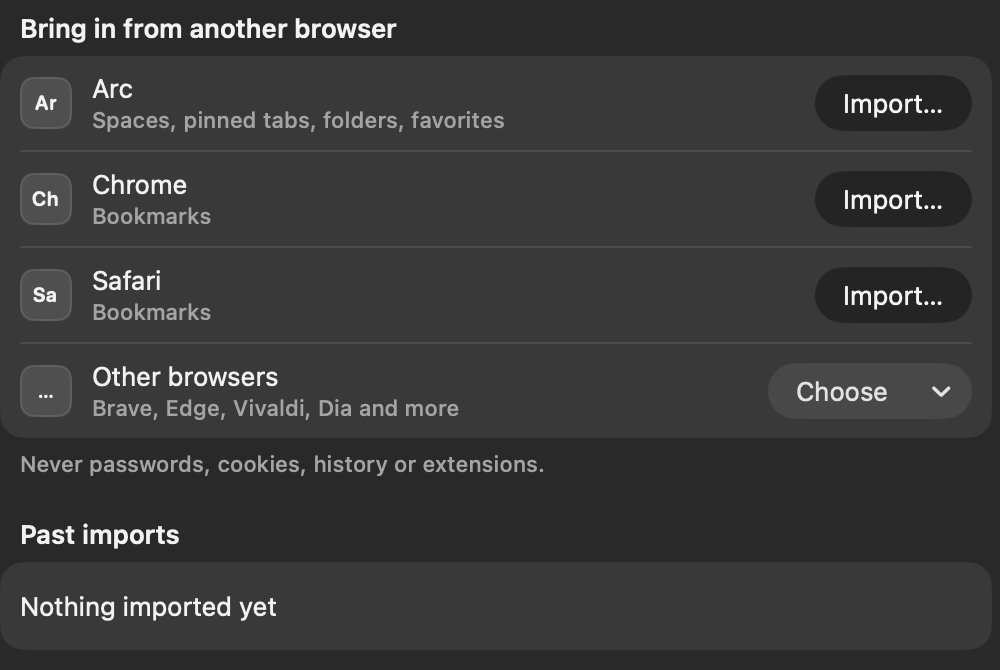
Import Arc Spaces with their colours, pinned tabs, folders and favorites, plus bookmarks from Chrome, Brave, Edge, Vivaldi, Dia, Comet, Safari and more. Duplicates are skipped and Undo is right there.
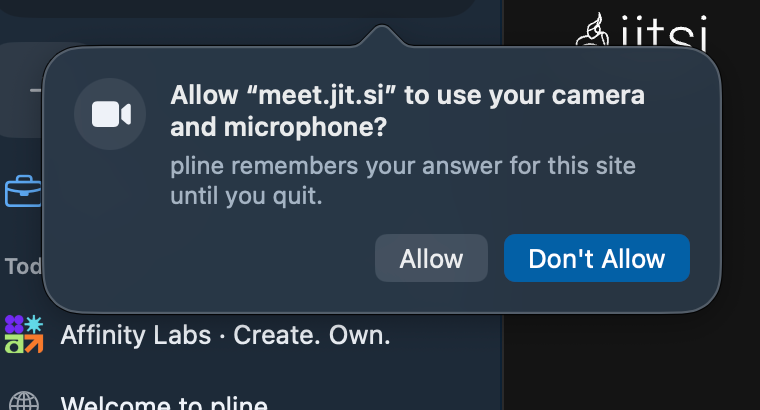
Camera, microphone, location and notifications start at Don’t Allow, site by site. A link that wants to open another app asks first too.
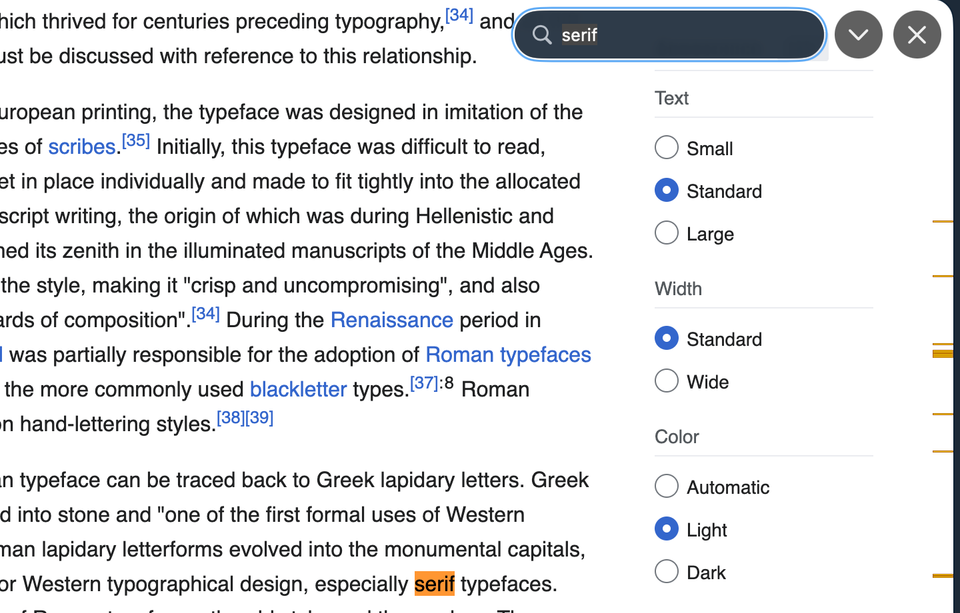
Press ⌘F and matches light up as you type.
Progress, cancel and Show in Finder from the sidebar footer.
A built-in viewer, no extra app.
A crashed page reloads once, then offers Retry.
Captures from a pline build, 3 Nov 2026: a meet.jit.si meeting, a Wikipedia article, and Import with sample browser data.
pline has no account, no pline server and no sync. What you do stays on your Mac, except what your agent sends to its own provider and what the sites you visit see, which is true of any browser and any agent.
On your Mac
Your agent’s provider
Sites you visit
Installs only: agents come from npm or their makers’ installers, and watchr from PyPI. None of your data goes with them.
pline servers: none
See the full diagramYour agent keeps its own login. pline starts it and never reads its credential folders.
Keys stay in the Keychain. An API key you paste is passed only to that agent’s process.
Memory lives in one local file. A plain SQLite file only your user account can read. You can see and forget every entry.
pline adds no telemetry. Its logs leave out your prompts and tool contents.
Claude Code works today and has been tested end to end. Codex, Gemini CLI, Goose and Factory Droid can be installed, logged in and connection-tested from Settings › Agents, and we will call them supported once we have run full tasks with each one. Every Space keeps its own agent, and you switch from the chat box.
No. pline has no sign-in, no pline server and no sync. Your Spaces, tasks and memory live in a folder on your Mac.
No. Your agent uses the login it already has. pline never reads the agent’s credential folders and never stores, shows or passes on a subscription token.
Only if your agent needs one. Under Advanced on an agent’s card in Settings › Agents you can paste a key (Goose keeps its keys in its own setup); it goes into the macOS Keychain, is used only while its switch is on, and is handed only to that agent’s process.
No, not yet. It is a plain SQLite file on this Mac that only your user account can read, never synced. It refuses things that look like secrets, and you can forget any entry or all of them. Encryption at rest is planned.
Yes. pline imports Arc Spaces with their colours, pinned tabs, nested folders and favorites, and bookmarks from Chromium-based browsers and Safari. It copies structure only: never cookies, passwords or history.
Not yet. There is no extension store and no password manager today.
A Mac with Apple silicon on macOS 14 or later, and the agent you want to use. Settings › Agents installs an agent’s pinned package from npm (or its maker’s installer), and if you have no Node.js 20 or later, pline adds its own copy of Node.js for the agents that need it. watchr needs uv, which downloads watchr from PyPI the first time. There is no Windows, Linux or Intel build.
pline does not promise protection from prompt injection. What it does is keep the agent visible, put every permission request it makes in front of you, and let you stop it at any moment, so use it as you would any agent that can browse.
Now. pline 1.0 is out for Macs with Apple silicon on macOS 14 or later, and it updates itself after you install it.
pline 1.0 is out. Download it, connect the agent you already use, and start working.
Download for MacmacOS 14 or later · Apple silicon · no account